
Books
The novel you finished last month is somebody's next read.
Someone on your street already owns the ladder, the tent or the book you need. One shared shelf brings everything within reach, lent between people who live nearby.
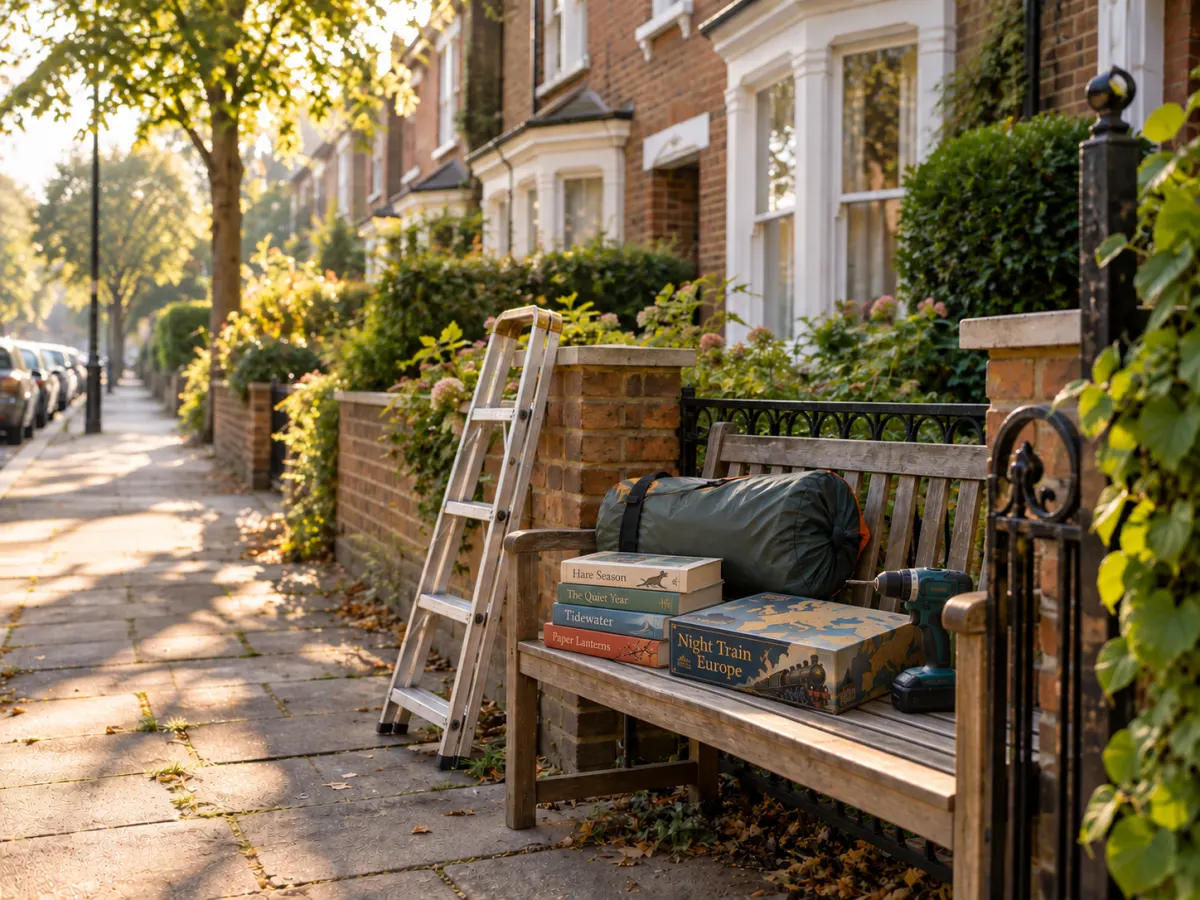
The novel you finished last month is somebody's next read.
A drill spends most of its life in a drawer. Let it work.
Game night without buying another box that fits nowhere.

A tent for the one weekend a year you actually use it.
Add anything else with a name, photo, description and tags. It stays on your shelf until somebody asks.
Browse what is near you, ask for it, and talk it through in a thread. No money changes hands.
Pick a time both your calendars allow, meet, and confirm with a code. Bringing it back works the same way.

Every loan is a doorstep conversation. A library of a few hundred people is small enough that faces become names, and names become the people you call when the boiler goes.
The greenest product is the one nobody had to make. A street that shares its tools and tents buys less, throws away less, and keeps what it has in use.
A neighbour lets you in. Nobody arrives from a search engine.
Nothing costs anything. Things go out and come back.
Each library sets its loan length and who may invite.
Handoffs happen in person, at a time you both picked.
Something out on loan? Join the queue and hear when it is back.
An AI assistant can do everything for you. See how.
It runs in the browser of the phone you already have, with no app store in between. Add it to your home screen and it opens like an app, with its own icon, and tells you when someone asks for something or answers you. If you have not opened it within five minutes, or have notifications turned off, the same news arrives by email, so nothing slips past.
These are the screens of a library of things, from finding a sewing machine to handing over a badminton set.


Photos, how far away each one is, and what is free right now.

See who has it and roughly where, then ask, with a note for the owner if you like.

The owner finds the request under Loans and says yes or no.

Both calendars side by side: the green slots suit you both.

At the door the owner reads out a code, and the borrower types it in.
There are no ratings here, no reviews and no stars, for items or for people. That is on purpose. A library like this runs on trust between neighbours, and every loan is already a kindness.
Every library can have as many moderators as it needs: neighbours who lend it a little of their time. Most days there is nothing for them to do. They are there for the days when there is.
They sort what neighbours list: tagging things so they are easy to find, turning a suggestion into a new category, and putting right a name or a photo for everyone.
A report goes to a person, never to an algorithm. A moderator reads it, writes back and helps put it right. A loan that is long overdue reaches them too.
They read a private conversation only once it has been reported. Everything they change is logged for the library's admin, and a complaint about a moderator goes to the admin, never to the moderators.
Every library comes with its own MCP server. Connect Claude, ChatGPT or any assistant that speaks MCP, sign in once, and then do everything in your own words. No forms, no menus.
Its pages speak WebMCP too, so an agent built into your browser can do the same while you are signed in, with nothing to connect.
“Is anyone lending a ladder this weekend?” It searches the shelf and asks the neighbour for you.
Tell it what is on your shelf, or show it a photo, and it adds each one with its cover and details.
It answers requests, writes to the borrower, extends a loan or puts you in the queue.
You choose what it may do when you connect, and it checks with you before it writes to anyone.
The software is open source and in the public domain. Anyone can run a library for their own neighbourhood, on their own address, with nobody in between. It runs on a Cloudflare account on the Workers Paid plan (US$5 a month), which covers its email too: nothing else to sign up for.
It is one project that runs any number of libraries, of books or of things. Each library is its own small deployment, with its own members, its own data and its own rules, and no central service that could close, sell or change it. Use it, change it, share it: the code is yours without asking. Ideas, fixes and translations are welcome on GitHub.
Open the code in Claude Code and type
/open-a-library. The assistant checks your
computer, walks you through the one key it needs, creates the
library and makes you its first admin. No programming needed.
Your keys go straight into a file on your computer, never into the chat, and the assistant asks before it creates anything in your account.
Type /update-libraries to bring your library the
latest version, or /make-admin to hand someone a
role.